Global sections
Most sections are local: a section instance belongs to the one page it was
added to, and its values live in that page’s _sek_data. A global section
is the exception: a single section instance that is shared across many
pages. Edit it once and every page that uses it reflects the change.
Local vs global
Section titled “Local vs global”- A local section is content that belongs to one page: this page’s hero, this page’s pricing table. Editing it changes only this page.
- A global section is content you want to appear identically in many places: a site-wide call-to-action band, a shared promotional footer, a standardised contact panel. It is authored once and referenced from each page that includes it, so the several appearances are genuinely the same instance, not copies that can drift apart.
The everyday test: if this content should change everywhere at once when I edit it, it wants to be global; if each page’s copy is its own, it stays local.
How it behaves
Section titled “How it behaves”A global section behaves like any other section where it appears: it renders through the same template contract and its values reconcile against config the same way local sections do. The difference is ownership: its values are stored once, centrally, rather than per host page. A page that includes a global section points at that shared instance instead of carrying its own values.
Because the instance is shared:
- One edit updates every appearance. Change the shared CTA’s headline and every page showing it updates together: no page-by-page repetition.
- Consistency is structural, not manual. The pages can’t fall out of sync, because there is only one set of values behind all of them.
What it looks like
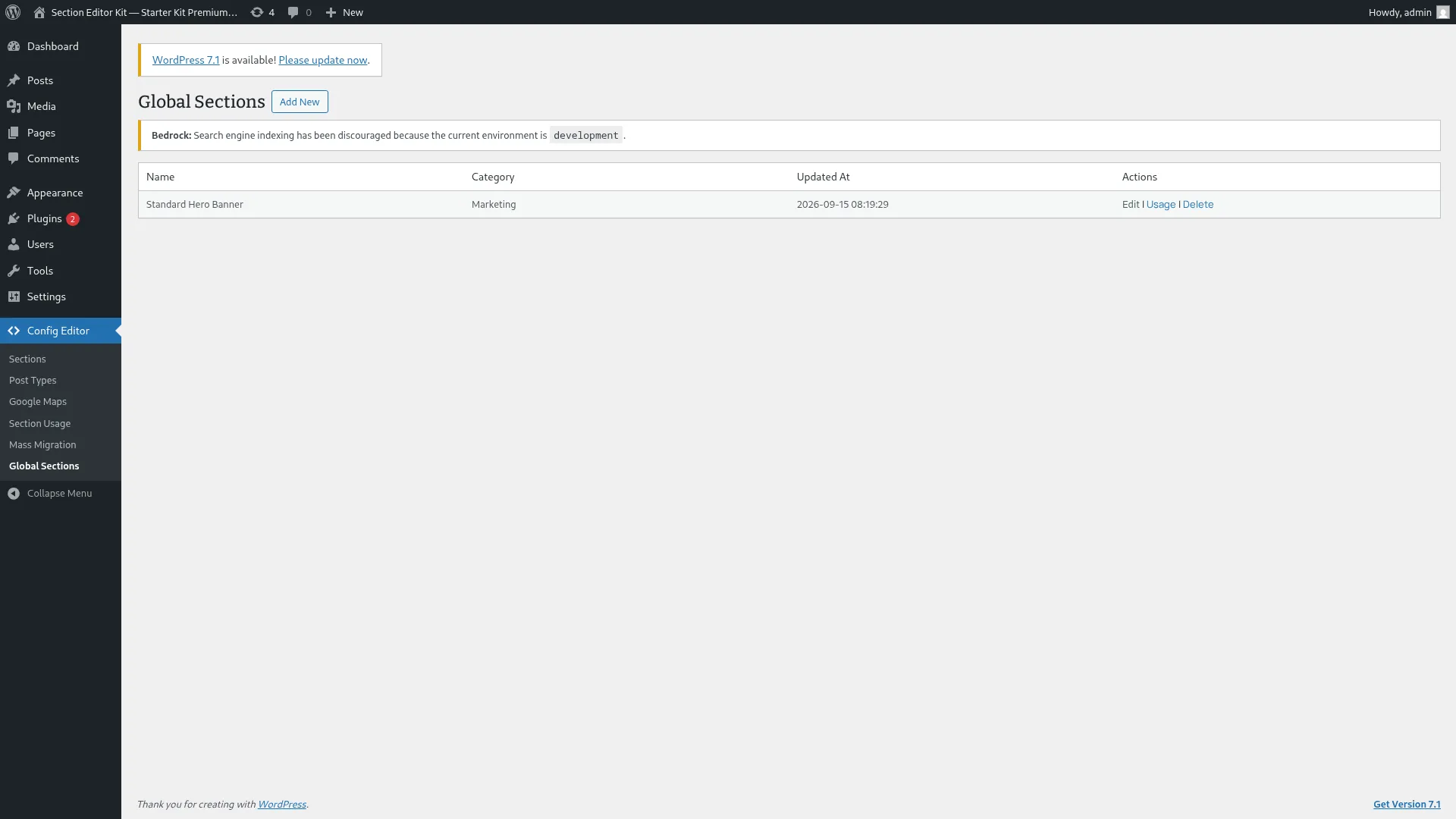
Section titled “What it looks like”Global sections get their own admin list. It shows every saved global section, by name, category, and when it was last updated:
A theme has to turn global sections on before any of this is available: see Global sections authoring Premium for how a theme does that.
Where to go next
Section titled “Where to go next”- Authoring global sections as a developer (creating them, turning them on for a theme, and wiring pages to reference them) is covered in the developer track: Global sections authoring Premium.
- Rolling a config change across every page that uses a shared section at scale is Mass Migration Premium.
Global sections are a premium capability; the badge on this page and the links above answers only that: whether the feature is in the free or the premium download. It says nothing about how the feature is built or enabled.