Composing a page from sections
A page’s content is a list of sections (hero, tabs, CTA, whatever the theme’s config exposes) and composing a page means assembling, ordering, and filling in that list. The editor renders each level of that list as an accordion: one card per section, expandable to reveal its fields.
The section list
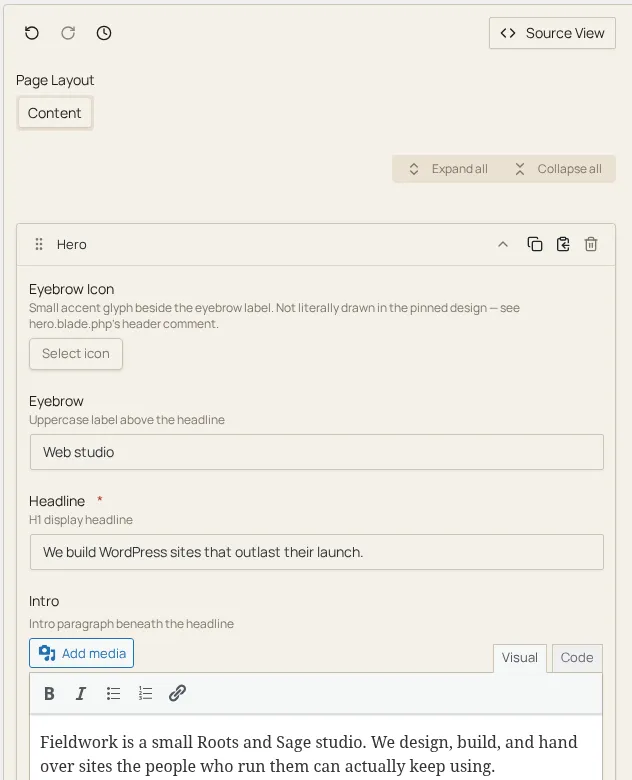
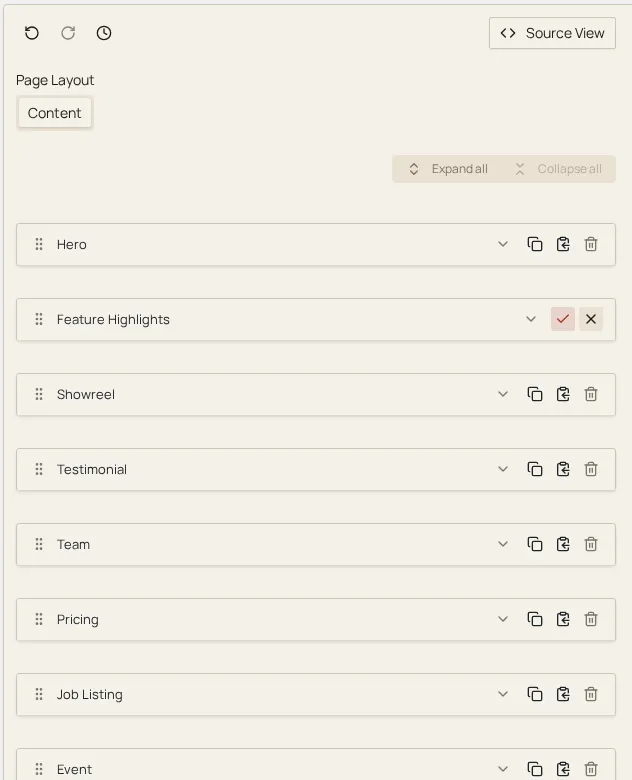
Section titled “The section list”Sections render as accordion cards, one per section instance. Clicking a card’s header expands it to show its fields; Expand all / Collapse all controls appear once a list holds more than one section. A brand-new section auto-expands so you land straight in its fields, and if it’s the only one newly expanded the list scrolls the live preview to it.
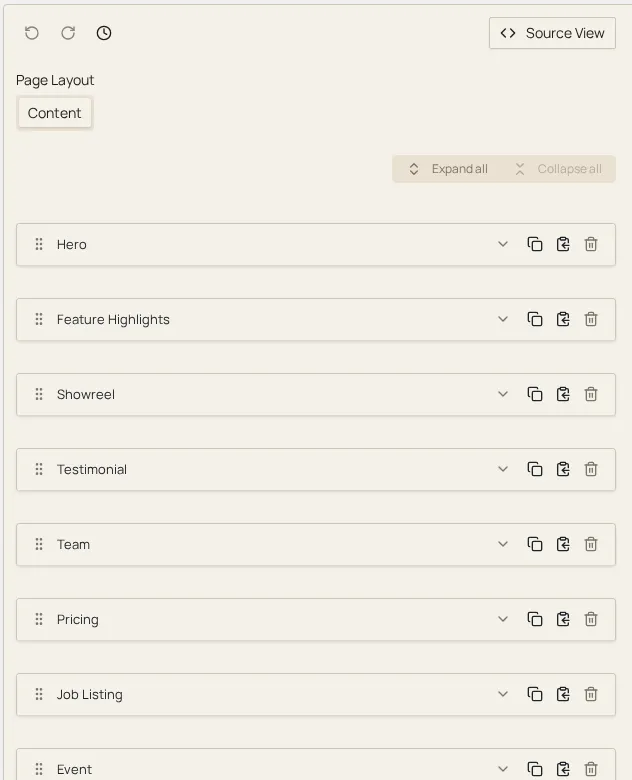
Expanding a card reveals its fields as a form, ready to edit:
Adding a section
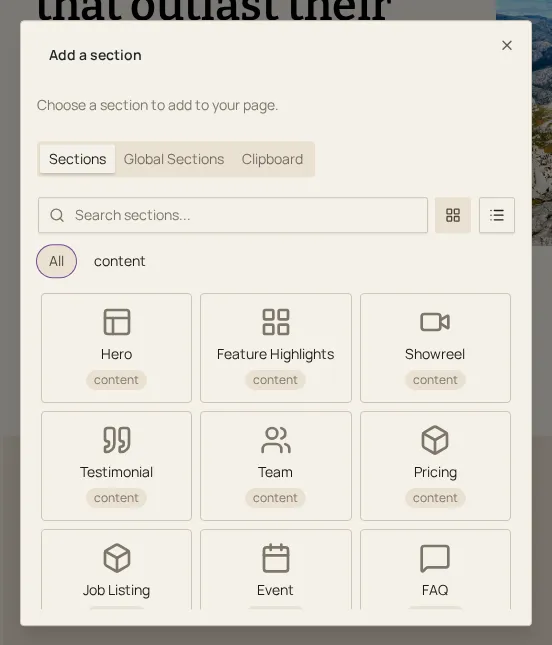
Section titled “Adding a section”Add a section sits at the bottom of every section list. If the list has only one allowed section type, clicking it adds that section immediately. If more than one type is available, it opens a picker with a Sections tab (browse and pick a type), a Global Sections tab when the premium plugin provides shared sections, and a Clipboard tab for pasting a section you’ve copied (see History, source view & clipboard for the clipboard).
Reordering by dragging
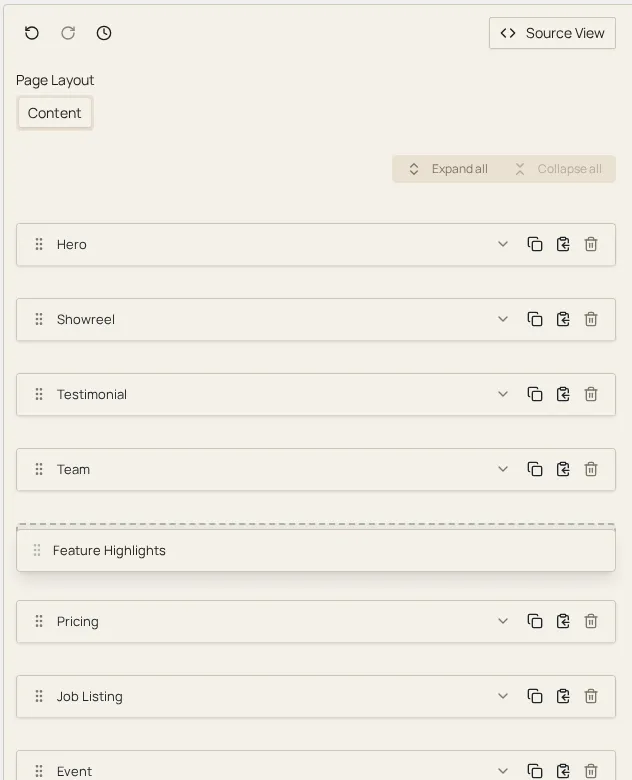
Section titled “Reordering by dragging”Each card has a drag handle (the grip icon in its header). Drag it to reorder the section within its own list. Reordering is scoped to the level you’re dragging in: you can shuffle sections within, say, a tabs field’s list of tabs, but you cannot drag a tab out into the root page list, or a root-level section into a nested list. Every section list owns an independent drag context, so cross-level dragging simply isn’t an available gesture.
Duplicating and removing
Section titled “Duplicating and removing”Each card carries a Duplicate action (inserts an identical copy directly after the original, with a new internal id) and a Remove action. Remove asks for confirmation inline: the trash icon swaps to a check/cancel pair before anything is deleted. Removing a section is undoable like any other edit; see History, source view & clipboard.
Nesting
Section titled “Nesting”Some fields (tabs, repeatable groups of child sections) hold their own list of sections, rendered as a fully recursive section list nested inside the parent section’s card: the same accordion-of-cards, the same add/ reorder/duplicate/remove actions, the same independent drag context, however deep the nesting goes. There’s no special-cased “child editor”: a nested section list is the same component the root page uses.